Guides
WhatsApp Analytics Guide: Track Performance and Improve Customer Engagement
Learn how WhatsApp analytics can reveal campaign performance, customer engagement, response times, and conversions—and which metrics your business should track.
By Prajwal · Data Analyst / Data Science
What Is WhatsApp Analytics?
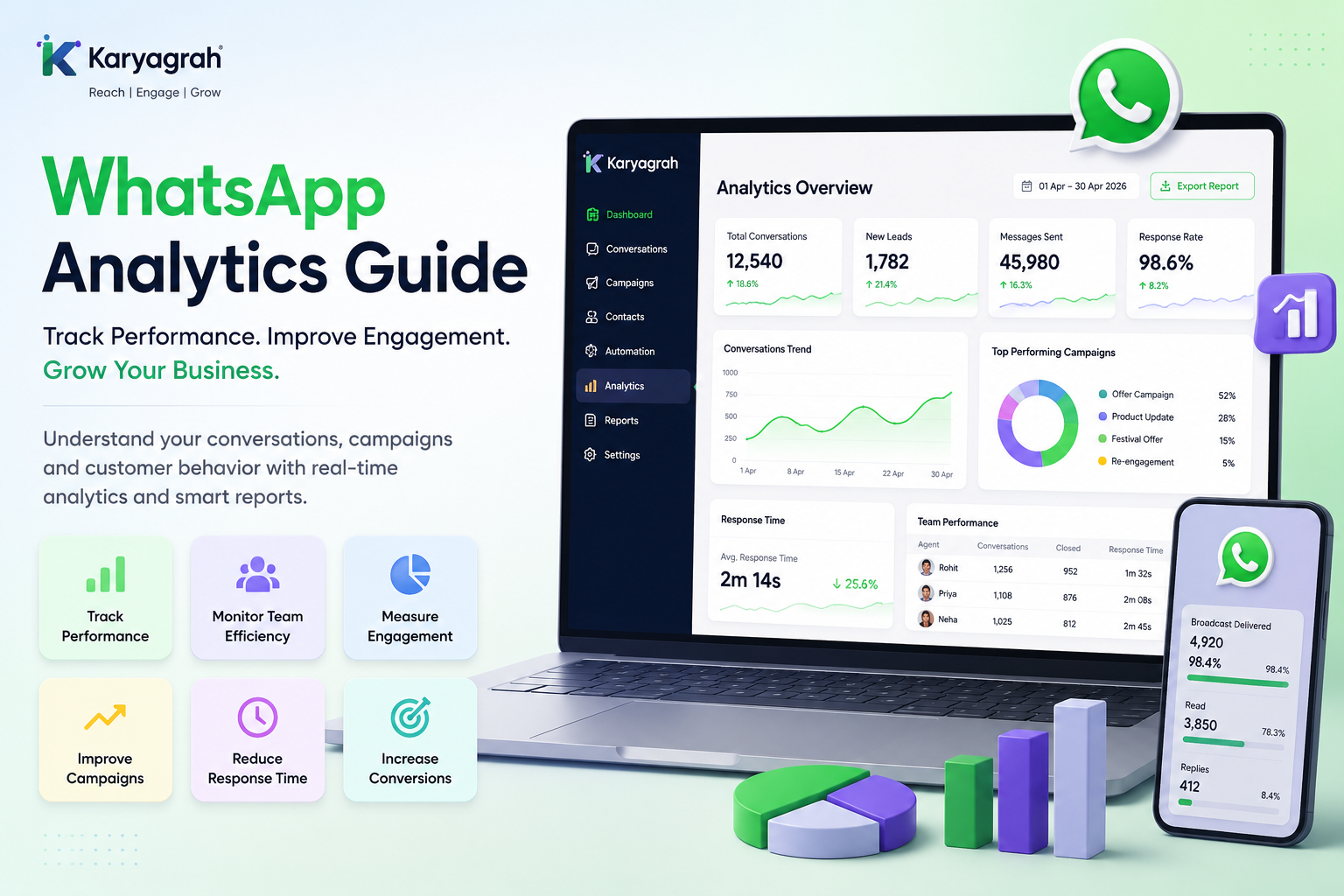
WhatsApp analytics is the process of measuring how customers and teams interact with your business on WhatsApp. It connects message delivery, engagement, response times, campaign actions, and conversions so you can see what is working.
With Karyagrah, businesses can monitor performance from one dashboard and use real data to improve marketing, sales, and customer support decisions.
Why WhatsApp Analytics Matters
Without analytics, it is difficult to know whether a campaign reached the right audience, whether customers engaged, or where conversations stalled. Reliable reporting replaces assumptions with measurable results.
Use analytics to compare campaigns, reduce response times, improve team productivity, understand customer behaviour, increase conversions, and optimise marketing return on investment.
Important WhatsApp Metrics to Track
Start with delivery rate and read rate to measure reach. Reply rate and click-through rate show engagement, while conversion rate connects activity to leads, bookings, or sales.
For service quality, monitor first-response time, resolution time, open conversations, and customer satisfaction. Review opt-outs and failed deliveries as well; they can reveal audience-quality, consent, or template issues.
How Karyagrah Helps with Analytics
Karyagrah brings campaign, conversation, lead, automation, and team-performance reporting into one analytics workspace. Managers can compare daily, weekly, and monthly trends without combining separate spreadsheets.
Use these insights to identify high-performing campaigns, busy support periods, slow handoffs, and the workflows that generate qualified leads. Review reports regularly and turn each finding into a clear action for the team.
Turn Insights into Better Results
A useful analytics routine is simple: set a goal, choose the metrics connected to that goal, establish a baseline, and compare results after each change. Avoid judging success from a single metric in isolation.
With Karyagrah, WhatsApp data becomes easier to understand and act on, helping your business improve engagement, generate more leads, and deliver more consistent customer support.
Official sources and further reading
WhatsApp policies, product behaviour and pricing can change. Refer to these first-party resources for current rules.
- About the WhatsApp Business Platform — Meta for Developers
- WhatsApp Business Platform pricing — Meta for Developers
Frequently asked questions
What is WhatsApp analytics?
WhatsApp analytics is the process of tracking message delivery, customer engagement, campaign performance, team response times, and business outcomes from WhatsApp activity.
Which WhatsApp metrics are most important?
Delivery rate, read rate, reply rate, click-through rate, conversion rate, first-response time, and resolution time are useful starting points. The right set depends on your business goal.
Can Karyagrah generate WhatsApp analytics reports?
Yes. Karyagrah provides dashboards and reports for campaigns, conversations, leads, automations, and team performance.
How often should a business review WhatsApp analytics?
Review operational metrics such as response time daily or weekly, and compare campaign and conversion trends after each campaign and at least monthly.