Guides
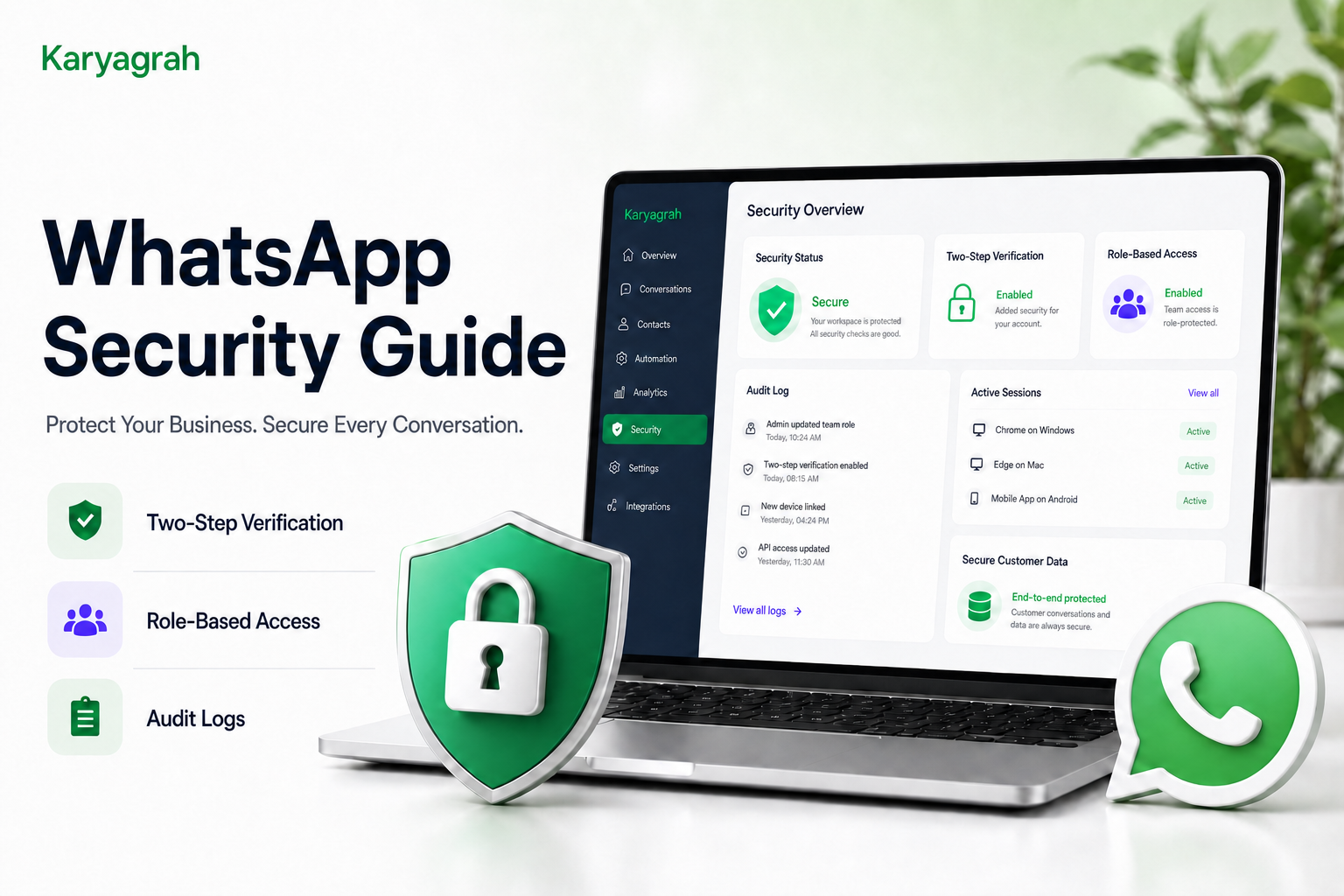
WhatsApp Security Guide: Best Practices to Keep Your Business Account Safe
Protect your WhatsApp Business account and customer data with two-step verification, role-based access, secure team practices, and regular activity reviews.
By Sahil · Fullstack Developer
Why WhatsApp Security Matters
Your WhatsApp Business account can contain customer conversations, contact details, order information, and business documents. Unauthorised access can disrupt operations, expose sensitive data, and damage customer trust.
Security is not a one-time setting. It requires protected accounts, appropriate permissions, careful data handling, regular monitoring, and a clear response plan for suspicious activity.
Use Strong Access Controls
Give every employee an individual login instead of sharing one account. Apply role-based permissions and the principle of least privilege so each person can access only the conversations and tools required for their job.
Enable two-step verification wherever it is available, use strong unique passwords, and store recovery details securely. Remove access promptly when an employee changes roles or leaves the company, and never share passwords or one-time codes through chat or email.
Protect Customer Data
Keep customer conversations accessible only to authorised team members. Collect only the information you need, and avoid requesting passwords, full card details, one-time passwords, or other highly sensitive credentials in WhatsApp chats.
Use internal notes carefully, verify recipients before sending documents, and review inactive accounts and data-retention practices regularly. Train agents to recognise phishing attempts and to escalate unusual requests.
Monitor Activity Regularly
Review login history, active sessions, audit logs, permission changes, and unusual messaging activity. Regular monitoring can reveal an unknown device, unexpected access, or risky behaviour before it becomes a larger incident.
Document what your team should do when something looks suspicious: revoke access, secure the affected account, preserve relevant logs, notify the appropriate owner, and review whether customer communication is necessary.
Keep Your Business Protected with Karyagrah
Karyagrah supports secure team operations with individual user access, role-based permissions, a shared inbox, centralised customer context, and audit logs. These controls make ownership clearer and reduce the need to share credentials.
Combine platform controls with strong passwords, two-step verification, staff training, regular access reviews, and documented security procedures. Together, these practices help your business communicate confidently while protecting customer data.
Official sources and further reading
WhatsApp policies, product behaviour and pricing can change. Refer to these first-party resources for current rules.
- About the WhatsApp Business Platform — Meta for Developers
- WhatsApp Business Messaging Policy — WhatsApp
Frequently asked questions
Why is WhatsApp security important for businesses?
It helps protect customer information, prevent unauthorised access, maintain service continuity, and preserve customer trust.
Should employees share one WhatsApp account login?
No. Each employee should have an individual login with permissions appropriate to their role. Shared credentials make access harder to control and activity harder to audit.
Should I enable two-step verification for WhatsApp Business?
Yes. Two-step verification adds an important layer of protection. Store recovery details securely and never share verification codes with anyone.
How does Karyagrah support secure WhatsApp operations?
Karyagrah provides individual user access, role-based permissions, shared-inbox controls, centralised conversation history, and audit logs to support accountable team communication.