Guides
How to get the WhatsApp green tick (verified business badge) in 2026
The green tick tells customers your WhatsApp is the real, official business — not an impersonator. Here's what it takes to get verified, and why it isn't automatic.
By Saddam · Owner/CEO
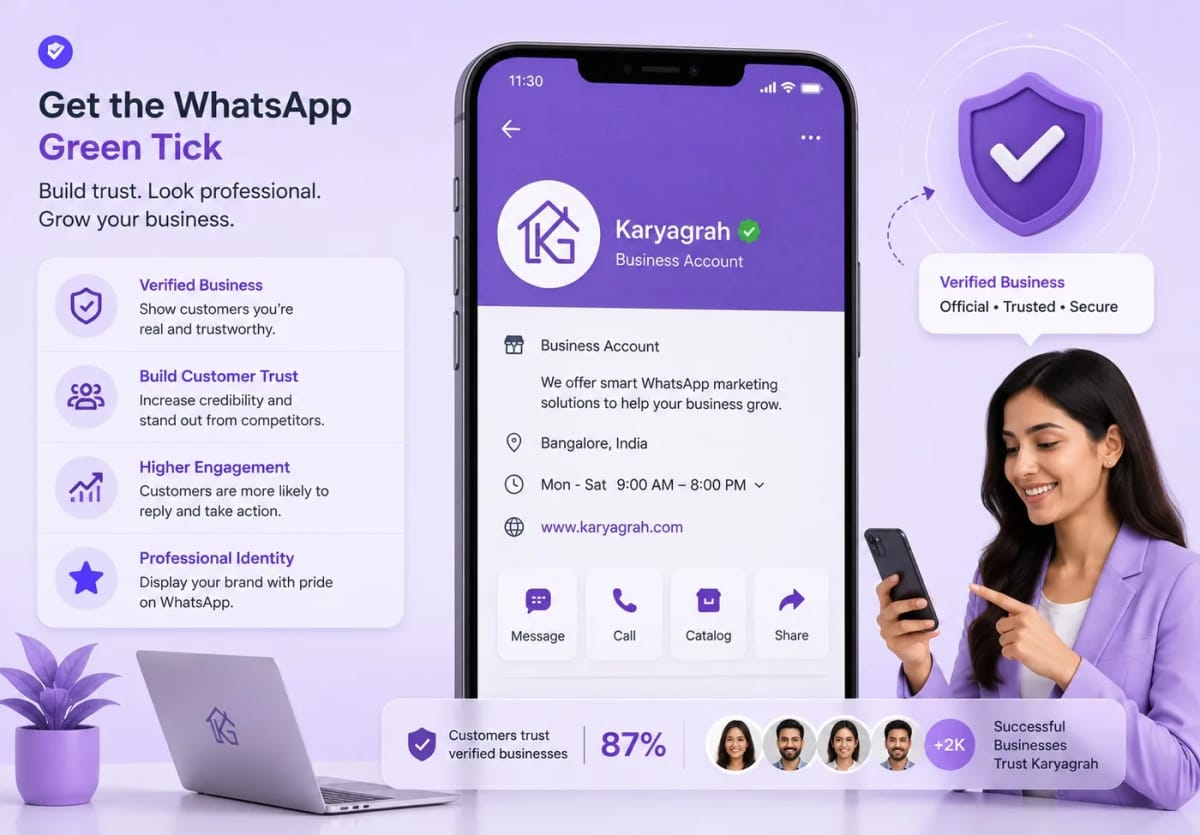
What the green tick actually means
The term 'WhatsApp green tick' is still widely searched, although Meta's current interface and official terminology may change over time. The verified badge beside a business name indicates that Meta has confirmed it as an authentic, notable business.
For customers, the badge reduces doubt because it helps distinguish the real brand from an account copying its name or logo. Always follow the current instructions shown in WhatsApp Manager rather than relying on an old screenshot of the badge.
The green tick is not the same as being on the API
A lot of businesses assume that connecting to the WhatsApp Business API automatically gives them the badge. It does not. The API gives you the sending power; the green tick is a separate verification Meta grants based on your brand's notability.
You can run broadcasts, chatbots, and a shared inbox perfectly well with a verified business number that shows the business name but no badge. The badge is a trust upgrade on top.
What Meta looks at before granting it
Meta does not publish a checklist, but in practice the badge favours brands that are 'notable' — with an established presence: a real website, activity in news or media, social profiles, and a display name that matches the registered business. A brand people search for and write about is far more likely to be approved.
Your Facebook Business Manager should also be verified (business verification), your display name must follow WhatsApp's naming rules, and your phone number must be connected to the API and in good standing.
How to apply through Karyagrah
Once your number is live on the API through Karyagrah and your Business Manager is verified, the green-tick request is submitted from Meta's Business settings for that WhatsApp account. Meta reviews it and responds — approvals can take days, and a decline is not permanent.
If you are declined, it usually means Meta did not find enough independent evidence that the brand is notable yet. Build up press mentions, keep your web and social presence active, and re-apply later.
What to do while you wait
Do not stall your WhatsApp rollout waiting for the badge. Get your display name and business profile right, keep your message quality rating high (send only to opted-in customers, with relevant templates), and grow your public footprint.
A high-quality, verified-name number that customers already trust is the foundation — the green tick is the cherry on top that comes with time and notability.
Official sources and further reading
WhatsApp policies, product behaviour and pricing can change. Refer to these first-party resources for current rules.
- About the WhatsApp Business Platform — Meta for Developers
- WhatsApp Embedded Signup overview — Meta for Developers
- WhatsApp Business Messaging Policy — WhatsApp
Frequently asked questions
Is the WhatsApp green tick free?
Meta does not sell the verified badge as an automatic paid upgrade. Normal WhatsApp Business Platform messaging charges and your software subscription are separate from badge eligibility.
How long does green-tick verification take?
There is no fixed timeline. Some brands are approved within days of applying; others are declined and succeed only after building more public presence. Meta reviews each request individually.
Can any business get the green tick?
Not automatically. Meta reserves it for 'notable' brands with an authentic, established presence. Smaller or newer businesses may need to build up press coverage and online presence before they qualify.
Do I need the green tick to send broadcasts?
No. You can send broadcasts, run chatbots, and use a shared inbox with any API-connected number. The green tick only adds a trust badge — it is not required to operate.