Guides
How to send a WhatsApp broadcast to thousands of customers (2026 guide)
A step-by-step guide to sending bulk WhatsApp messages the right way — using the official WhatsApp Business API, approved templates, and a tool that keeps you compliant.
By Sahil · Fullstack Developer
Why the normal WhatsApp app won't work for broadcasts
The consumer WhatsApp app and WhatsApp Business app both cap broadcast lists at a few hundred contacts, and only deliver to people who have already saved your number. Send too many messages too fast and the number gets flagged and banned.
To message thousands of customers reliably, you need the official WhatsApp Business API (also called WhatsApp Cloud API) from Meta. That is what platforms like Karyagrah connect to on your behalf — you get a verified business number, higher limits, and delivery reports, without touching code.
Step 1 — Connect a WhatsApp Business number
First, connect a phone number to the WhatsApp Business API. In Karyagrah this is a guided setup: you sign in with Facebook, pick or add a number, and verify it. The number should not already be active on the normal WhatsApp app.
Once connected, your whole team shares this one number through a common inbox — no more messages sitting on one person's personal phone.
Step 2 — Create and get a message template approved
Any message you send first (before the customer replies) has to use a pre-approved template. Templates keep WhatsApp spam-free, and Meta reviews each one — usually within minutes to a few hours.
Write your template with a clear purpose (an offer, a reminder, an update), add variables like the customer's name where needed, and submit it for approval. Karyagrah shows you the approval status and the reason if anything is rejected, so you can fix and resubmit quickly.
Step 3 — Upload your contacts (with consent)
Import your customer list as a CSV, or let leads flow in automatically from your website, ads, or CRM. The one rule that matters: only message people who opted in to hear from you. Buying a random list and blasting it is the fastest way to get reported and blocked.
Karyagrah de-duplicates your list and lets you segment it, so the right message reaches the right group.
Step 4 — Launch the broadcast and watch it deliver live
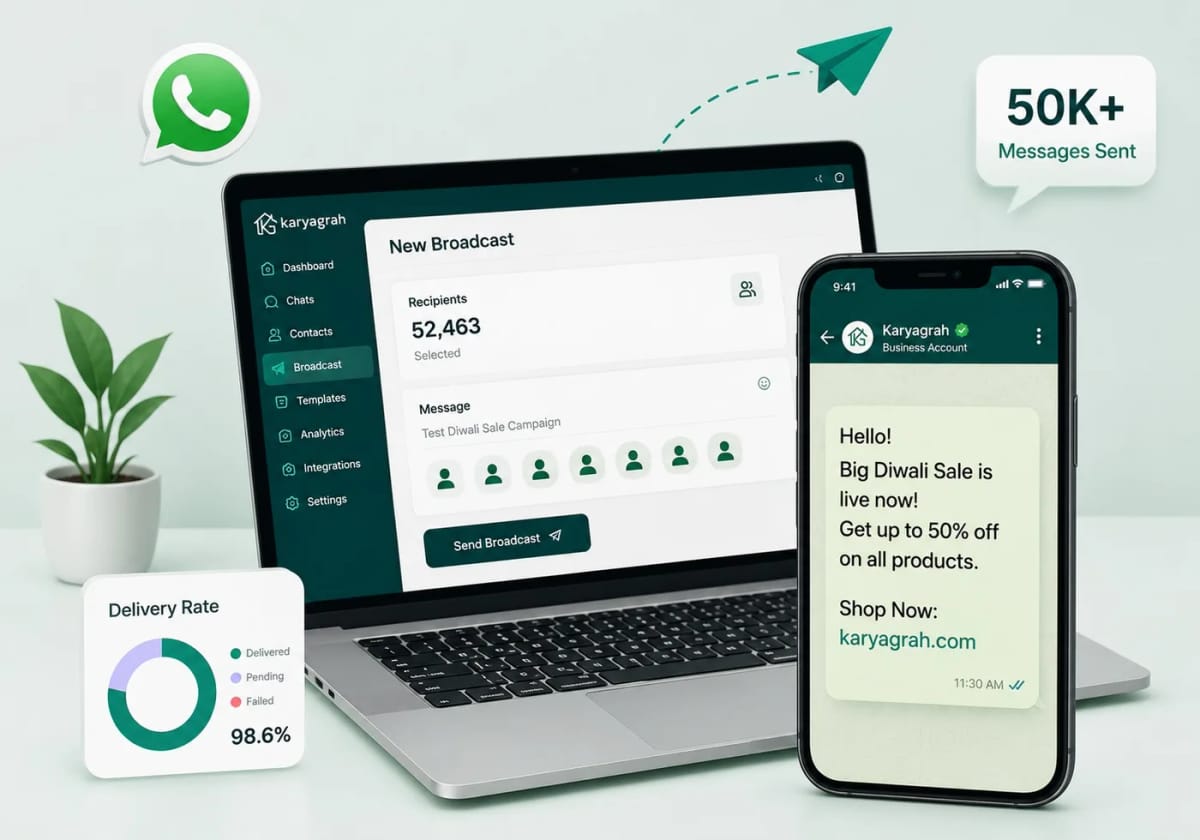
Pick your approved template, map the variables, attach any image or document header, choose your audience, and send. On a trial you can test with a smaller batch first.
As it runs, you see a live report — sent, delivered, read, and failed — updating in real time. Replies land back in your shared inbox, where your team (or a chatbot) can pick up the conversation.
What a broadcast costs
WhatsApp Business Platform uses per-message pricing. The rate depends on the message category (marketing, utility, or authentication) and the recipient's country; service replies inside the customer-service window follow Meta's current pricing rules.
Your Karyagrah plan covers the platform. Meta messaging charges are separate and can change, so check Meta's current India rate card before estimating a campaign.
Official sources and further reading
WhatsApp policies, product behaviour and pricing can change. Refer to these first-party resources for current rules.
- About the WhatsApp Business Platform — Meta for Developers
- WhatsApp Business Platform pricing — Meta for Developers
- WhatsApp Business Messaging Policy — WhatsApp
Frequently asked questions
Can I send WhatsApp broadcasts without getting my number banned?
Yes — as long as you use the official WhatsApp Business API, send only to people who opted in, and use approved templates. That is exactly what Karyagrah is built to do, which is why it does not get your number flagged the way the normal app does.
How many messages can I send per day?
Messaging limits depend on Meta's current rules, your business portfolio, verification, usage, and message quality. Check the limit shown for your WhatsApp account before planning a large campaign.
Do customers have to save my number first?
No. With the WhatsApp Business API you can message any opted-in customer using an approved template, whether or not they have saved your number.
How much does it cost to send a WhatsApp broadcast?
Meta charges per delivered template message, with rates based on category and the recipient's country. Check Meta's current India rate card for the messaging cost; your Karyagrah subscription covers the sending platform itself.