Explainers
The WhatsApp 24-hour window, explained (and what to do when it closes)
Why some WhatsApp messages go through and others fail: the 24-hour window decides what a business may send. What it is, and how to work with it.
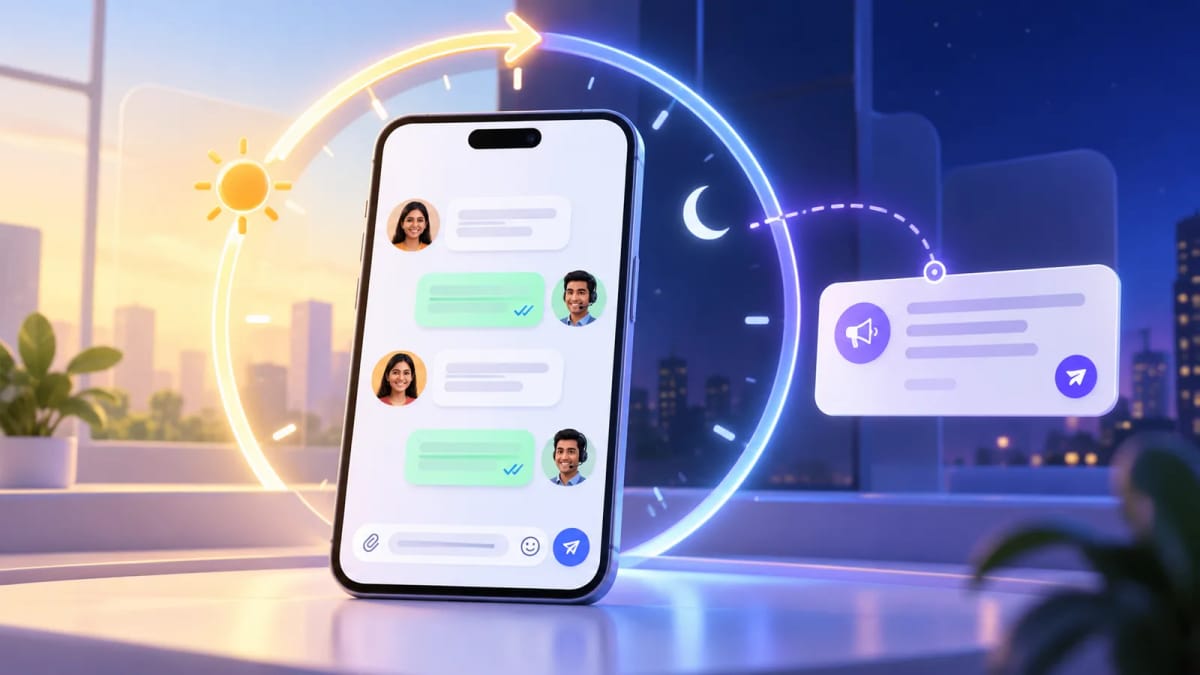
What the window is
Every time a customer messages your business number, a 24-hour window opens. While it is open you can reply with normal, free-form messages: text, images, documents, buttons and lists.
Each new message from the customer starts the 24 hours again. If they stay quiet for a full day, the window closes.
What you can send after it closes
Once the window has closed, a free-form message will not be delivered. The only thing you can send is an approved message template, which Meta reviews in advance. A template can reopen the conversation, and when the customer replies, a new window opens.
This is why template quality matters: it is your way back in after silence.
Who starts the conversation matters
If the customer messages you first, you are replying inside the window. If you want to start the conversation, for example with a reminder, an offer or a follow-up, you need a template, because there is no window yet.
So businesses keep a small set of useful templates ready: appointment reminders, order updates, payment reminders and a general follow-up.
Tips for working with the window
Watch the clock. A good inbox shows how much of the window is left on each chat, so your team knows which customers can still get a free-form reply today.
Answer before it closes. A quick, useful reply keeps the conversation inside the window, which gives you room to follow up later in the day.
Schedule follow-ups as templates. If you want a message to go out tomorrow, send it as a template. That way it works whether or not the window is still open when the time comes.
How Karyagrah helps
Karyagrah shows the time left on every chat. Scheduled WhatsApp messages are always sent as approved templates, so a scheduled send never fails because the window closed. For Instagram and Messenger, where there are no templates, it only lets you schedule a message while the customer's window will still be open, and tells you when it has closed.
Three common examples
A customer asks for a price at 10 a.m. You can answer normally until 10 a.m. the next day, and every new customer message restarts the clock. A customer abandons a quotation and you follow up two days later: the window has closed, so the follow-up must use an approved template. A customer replies to that template: their reply opens a new 24-hour window and your team can continue with normal messages.
The same rule applies whether the first message came from a click-to-WhatsApp ad, a QR code, a website button or a saved contact. What changes is who sent the most recent message and when—not where the lead originated.
Templates, charges and consent
A template is not permission to contact anyone. Keep proof that the person opted in, choose the correct template category and make the reason for the message obvious. Meta charges applicable template messages according to its current rate card, separately from your Karyagrah subscription. Service replies inside an open customer service window are handled differently under Meta's pricing rules.
Prepare a small library of genuinely useful templates—appointment reminder, order update, payment reminder and requested follow-up—rather than dozens of vague promotions. Good templates get replies, and the reply is what reopens a natural conversation.
Official sources and further reading
WhatsApp policies, product behaviour and pricing can change. Refer to these first-party resources for current rules.
- About the WhatsApp Business Platform — Meta for Developers
- WhatsApp Business Messaging Policy — WhatsApp
Frequently asked questions
How long is the WhatsApp 24-hour window?
It is 24 hours from the customer's last message to your business number. Each new message from the customer restarts it.
What can I send when the window is closed?
Only an approved message template. Free-form text, images and documents are not delivered.
Can I send a template at any time?
Yes, an approved template can be sent whether or not the window is open, which is why reminders and follow-ups use templates.
Does Instagram have the same rule?
Yes. Instagram and Facebook Messenger also allow replies only within 24 hours of the customer's last message, and they have no templates.