Guides
WhatsApp CRM for small businesses in India: features, setup, and buying checklist
A practical guide to choosing a WhatsApp CRM for an Indian small business — shared inbox, lead tracking, broadcasts, automation, security, and the questions to ask before buying.
By Saddam · Owner/CEO
What a WhatsApp CRM actually does
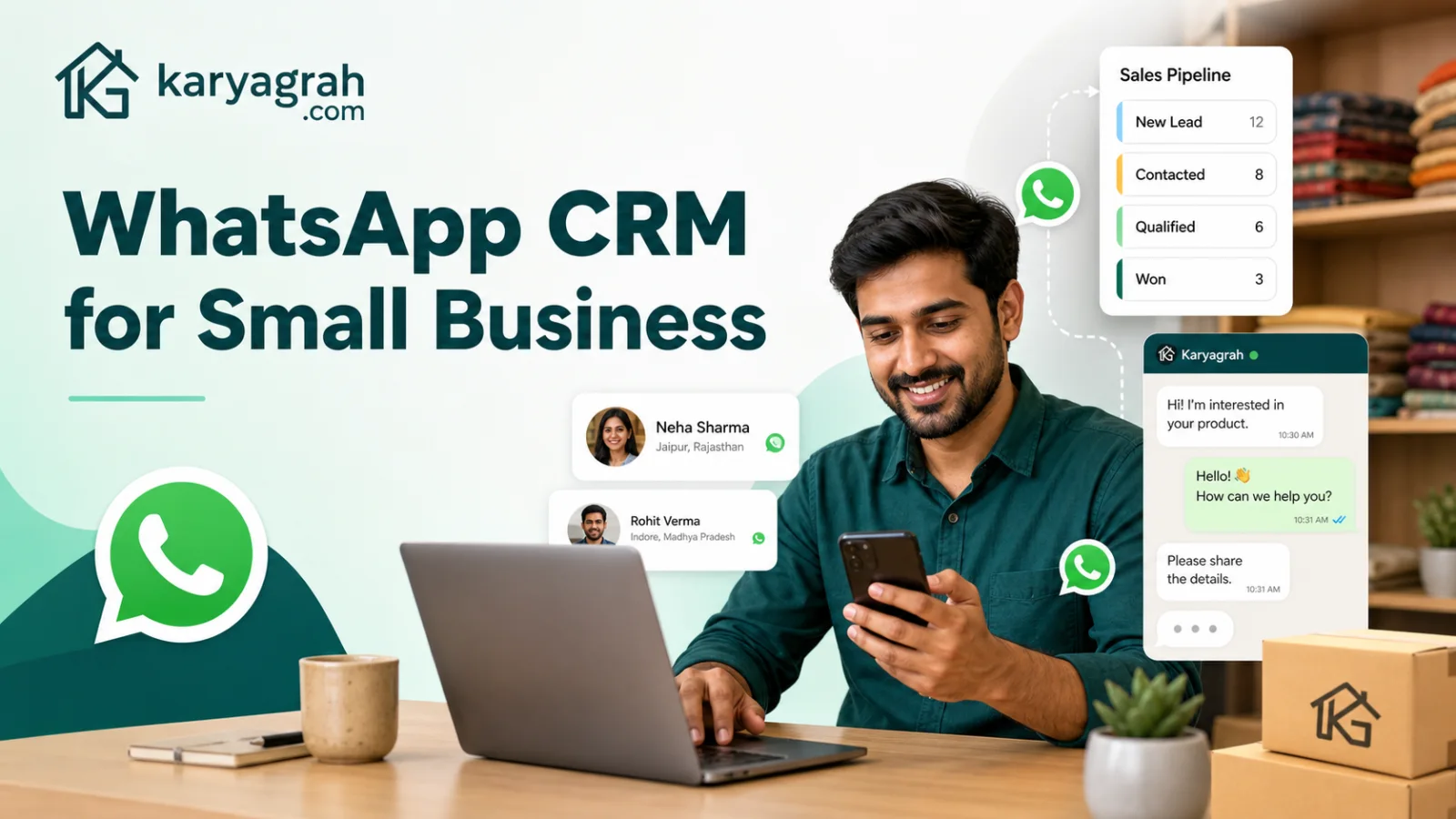
A WhatsApp CRM brings customer conversations and sales context into one business-owned workspace. Instead of keeping chats on an employee's phone, it connects your official business number to a shared inbox where the team can reply, assign owners, add notes, track leads, and follow up consistently.
For an Indian small business, that usually means fewer missed enquiries from ads, marketplaces, and repeat customers. The important distinction is that a real WhatsApp CRM does more than mirror chats: it turns each conversation into a record your team can manage from first question to sale or resolution.
The features that matter first
Start with the daily bottlenecks. A shared inbox should show who owns each chat and stop two agents from replying at once. Contact profiles should retain tags, notes, previous messages, lead stage, and next action. Templates and broadcasts should use the official WhatsApp Business Platform rather than browser automation or unofficial bulk senders.
Automation is valuable when it handles repetitive work: welcome messages, lead qualification, appointment details, order updates, and reminders. Reporting should answer practical questions such as response time, unresolved conversations, campaign delivery, and agent workload. Advanced features are useful only after these foundations work reliably.
A setup that fits an Indian small business
Map your real customer journey before configuring software. List where enquiries arrive, who answers them, what information the team collects, and when a follow-up should happen. Then create a small set of lead stages such as New, Contacted, Qualified, Won, and Lost. Keep tags limited to categories the team will genuinely use.
Connect one business number, invite a small pilot group, and launch with approved templates for your most common use cases. Test handoffs, opt-outs, and missed-chat alerts before importing a large contact list. A focused first workflow is easier to train, measure, and improve than a complicated system launched all at once.
Official API, consent, and message quality
Choose a platform built on the official WhatsApp Business Platform. Unofficial tools that automate WhatsApp Web may look cheaper, but they can expose customer data, break without notice, and put the number at risk. Official business messaging also requires customer consent and approved templates when the business starts a conversation outside the customer-service window.
Store the source and date of consent wherever possible. Segment broadcasts so recipients receive relevant information, make opt-out instructions clear, and monitor blocks or complaints. Good targeting protects message quality and usually performs better than sending the same promotion to every contact.
Questions to ask before you buy
Ask whether the plan includes the number of agents, branches, bots, storage, and monthly usage you need. Confirm how add-ons, Meta messaging charges, data export, backups, roles, and audit logs work. Check whether integrations use signed webhooks or documented APIs, and whether you can export contacts and activity if you leave.
Finally, test the workflow with real agents. Can a manager see unassigned chats? Can an agent understand the customer history quickly? Can ownership move cleanly between sales and support? A polished feature list matters less than a system the team can operate every day without workarounds.
Where Karyagrah fits
Karyagrah combines an official WhatsApp workspace with shared inbox, contacts and lead management, campaigns, templates, chatbots, flows, integrations, analytics, and branch-aware access. Small teams can begin with the workflows they need now and add automation as their volume grows.
The best next step is to define one measurable outcome — faster first response, fewer missed leads, or more consistent follow-up — and configure the CRM around it. That keeps the rollout practical and makes the return visible to the whole team.
Official sources and further reading
WhatsApp policies, product behaviour and pricing can change. Refer to these first-party resources for current rules.
- About the WhatsApp Business Platform — Meta for Developers
- WhatsApp Business Platform pricing — Meta for Developers
- WhatsApp Business Messaging Policy — WhatsApp
Frequently asked questions
Is a WhatsApp CRM useful for a very small business?
Yes, once more than one person handles enquiries or follow-ups are being missed. A small team benefits from shared ownership, customer history, reminders, and business-controlled access even before message volume becomes large.
Can multiple agents reply from one WhatsApp number?
Yes. An official WhatsApp CRM can let multiple authorised agents work from one business number, with assignments and conversation history visible in a shared inbox.
Is WhatsApp CRM the same as bulk WhatsApp software?
No. Bulk sending is only one capability. A WhatsApp CRM also manages inbound conversations, contacts, lead stages, assignments, follow-ups, automation, and reporting.
What should I avoid when choosing a WhatsApp CRM?
Avoid tools that rely on unofficial WhatsApp Web automation, hide data-export rules, or cannot explain consent, roles, security, support, and Meta messaging charges clearly.