01
Offer and product campaigns
Send a relevant offer to a consented segment, include approved media or actions and route interested replies to a sales owner. Exclude customers whose context does not match.
Plan, send and measure consent-aware WhatsApp campaigns while keeping replies, customer context and sales follow-up in the same team workspace.
Organise opted-in contacts with lists, tags and CRM context instead of sending every message to everyone.
Use Meta-approved templates with media, variables and calls to action for compliant proactive messaging.
Route campaign responses into the shared inbox or a qualification workflow so interest receives a timely next step.
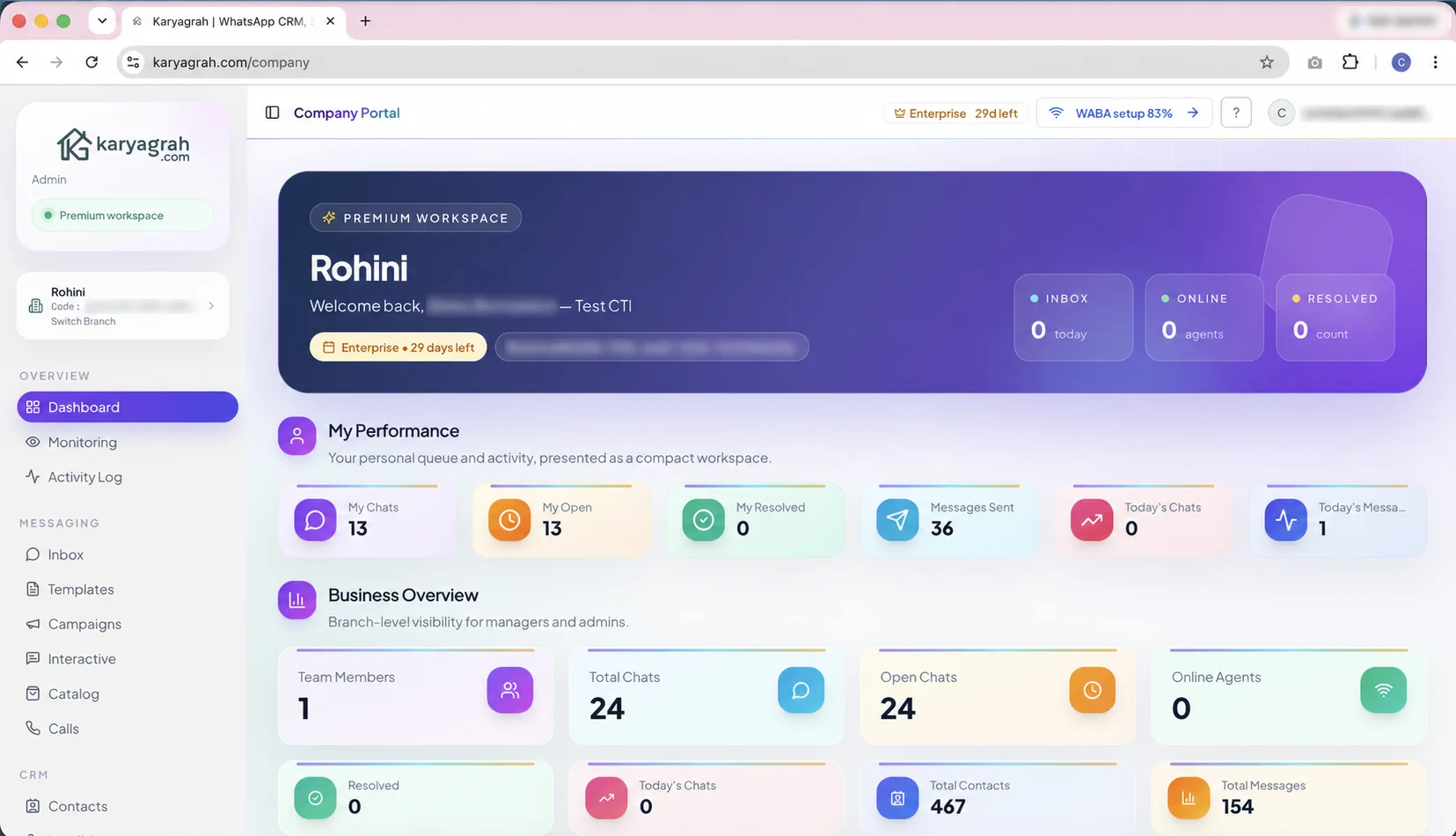
Effective WhatsApp marketing connects consent, audience relevance, an approved message, a useful offer and a clear response workflow. Delivery volume alone is not a business outcome; replies, qualified leads, appointments, purchases and opt-outs reveal whether the campaign helped.
Karyagrah combines contact segments, approved templates, broadcasts, drip journeys and campaign reporting with the inbox and CRM. The team can continue the conversation without exporting replies to another system.
Record how a customer opted in, keep the message connected to that expectation and make opt-out handling clear. Segment by genuine customer context such as product interest, location, lifecycle stage or previous interaction rather than using a purchased list.
Use variables only when the underlying data is reliable, test every template with realistic examples and begin with a controlled audience. Message quality and customer trust are more valuable than a one-time volume spike.
Track sent, delivered, read and failed outcomes, then connect responses to inbox ownership and CRM progress. A campaign that generates many replies but no timely follow-up still leaves revenue on the table.
Karyagrah helps teams review campaign performance alongside contact history, agent activity and lead follow-up. This makes the next campaign more informed and keeps marketing connected to sales and support.
Practical workflows
Start with a workflow tied to a clear customer or operational outcome, then expand after the team can measure it.
Send a relevant offer to a consented segment, include approved media or actions and route interested replies to a sales owner. Exclude customers whose context does not match.
Remind registered customers at the right interval and provide a clear confirmation or rescheduling action. Stop sequences when the customer completes the intended step.
Notify customers about orders, deliveries, service changes or account events with accurate variables from the source system. Keep support ready for exceptions and questions.
Use a short, timed sequence for opted-in prospects, then stop when they reply, qualify or opt out. The response should enter a real follow-up process rather than another disconnected list.
A broadcast budget includes the Karyagrah plan, Meta's applicable WhatsApp message charges and GST on the software invoice. Add implementation time for contact cleanup, consent records, template preparation and a controlled test batch.
Do not compare providers only by a promise of message volume. Check included contacts or limits, failed-number handling, scheduling, stop controls, reply ownership, opt-out processing and whether the platform uses the official WhatsApp Business Platform.
Start with a small, relevant segment and measure reply quality, conversions and opt-outs. Higher delivery volume is not a saving if poor targeting lowers number quality or creates a support queue the team cannot handle.
Build the audience, template, test and follow-up workflow step by step.
Read guideCompare reach, cost and consent rules before choosing a channel.
Read guideBring shoppers back with a timely, consented reminder.
Read guideYes, to customers who have provided appropriate consent, using an approved template that follows WhatsApp's current policies.
Yes. Teams can create timed journeys with stop conditions and hand conversations to a person when a customer replies or reaches a qualified step.
Yes. Replies remain connected to the contact and can be assigned, qualified and followed up from the shared workspace.
No. Karyagrah uses the official WhatsApp Business Platform, approved templates and consent-aware workflows rather than browser automation.